
How it works
Count Up doesn't show dates. Every box shows how many days you've kept going: Day 1, Day 2, Day 3… You mark each one by hand.
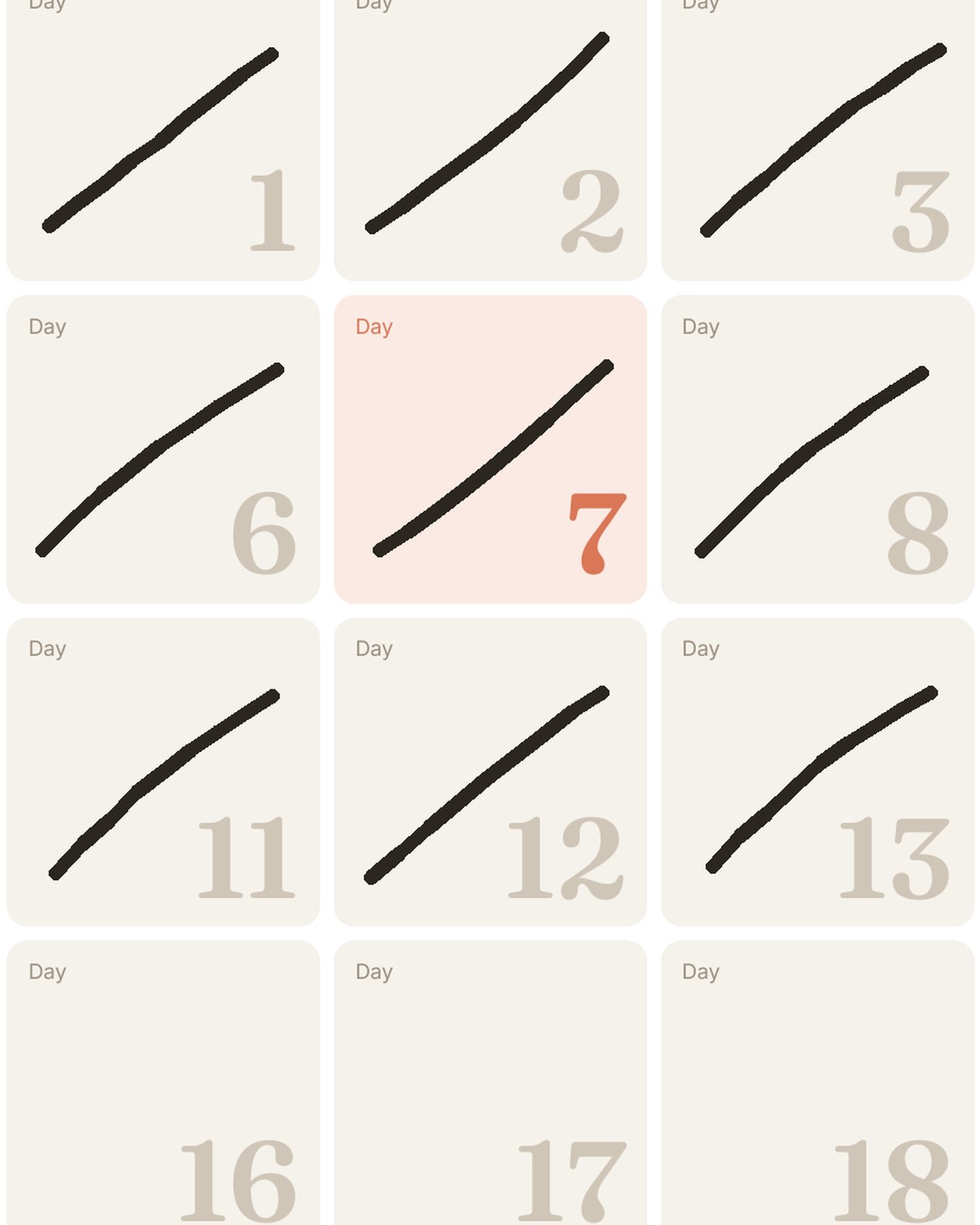
Three steps
On the wall, on your phone, or both
The wall calendar
365 boxes on 12 pages, 30 days per page. Hang it where you'll see it every day. A strip at the bottom of each page holds a short note.
The free app
Scan the QR code on the back of the calendar. Press and hold to mark today, with a small moment at every milestone. Missed a day? Days you've lived are marked for you.
Questions
What if I miss a day?
Nothing breaks. The count is about days since you started, so just mark it the next time you see the calendar.
What happens after Day 365?
Start a new calendar at Day 1, or keep counting in the app, which goes on as long as you do.
Can I count more than one thing?
The app holds as many counts as you like. On paper, each calendar is one count.
Can I start halfway through?
Yes. If you started 40 days ago, cross off Day 1 to Day 40 and carry on from there.